Frequently Asked Questions
What are the
primary differences between DOE KISS and DOE PRO XL?
- DOE PRO can handle multiple
responses (output variables) while DOE KISS can only handle one
response.
- DOE PRO can optimize multiple responses
simultaneously.
- DOE PRO's optimizer can optimize Cpk, DOE KISS's
optimizer is limited to y-hat and s-hat.
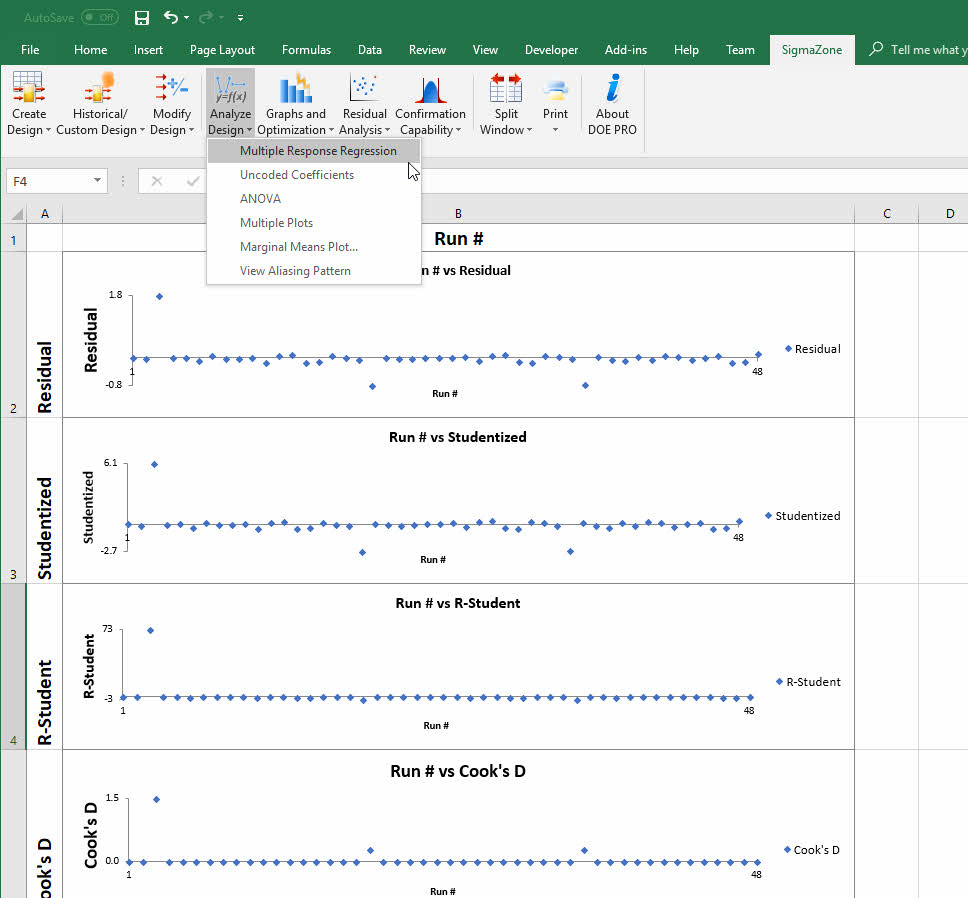
- DOE PRO's residual analysis includes
Studentized, R-Studentized, Leverage, and Cook's D while DOE KISS
only computes simple residuals.
- DOE PRO includes a "Multiple Plot"
feature.
- DOE PRO statistics include Lack of
Fit computations.
- DOE PRO will compute aliasing
patterns.
- DOE PRO can analyze a design using
ANOVA in addition to regression.
- DOE PRO can calculate the uncoded
regression coefficients.
- DOE PRO includes a fractional factorial builder which will build
factorial designs up to 128 runs and 11 factors.
- DOE PRO includes SmartScaling technology to make the resulting
graphs and charts easier to read.
How many factors will DOE PRO support?
-
DOE PRO will support up to 26
independent variables (factors) and 30 dependent variables (responses).
What is the difference between DOE PRO 3.0 and DOE PRO XL
2007?
Please visit our
upgrade page
for more information about what has changed and how to obtain the
upgrade.
How can I upgrade from DOE Pro 3.0 to DOE Pro XL 2007?
Please visit our upgrade page for
more information about what has changed and how to obtain the upgrade.
Excel Integration
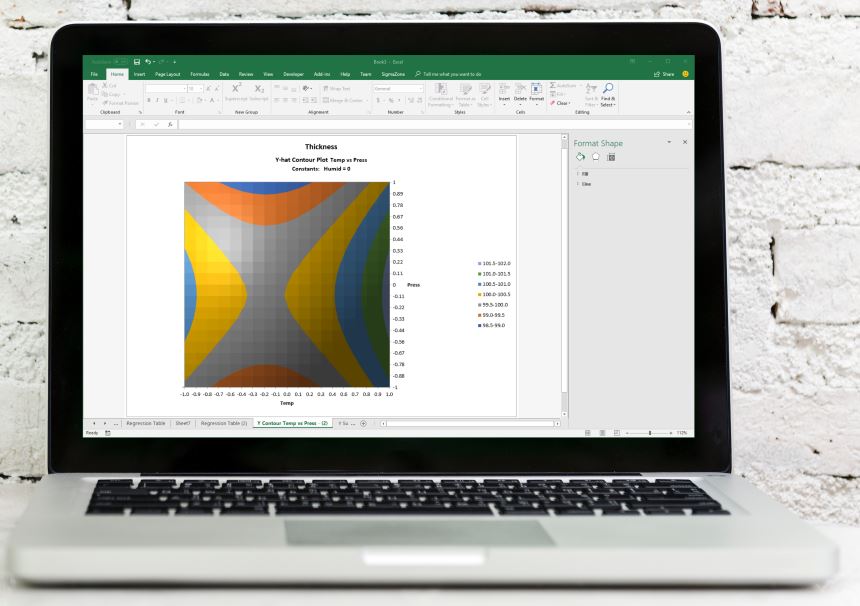
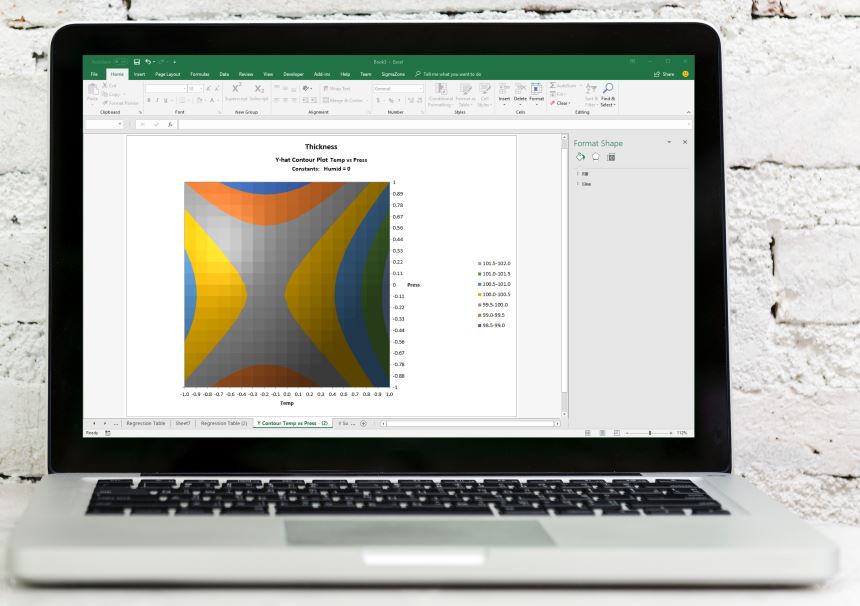
DOE Pro XL integrates into Microsoft Excel 2000 or later.
Share Results
Every chart and statistic that DOE Pro XL creates is in a normal Excel workbook.
You can share your results with anyone who has Excel.